Give the idea a direction.
Start with a written scene or a reference image. Describe what moves, how the camera sees it and what feeling the light should create. You do not need to finish the whole series before you begin the first take.
Create short AI videos from text or images. Keep your characters, prompts and next takes together — from the first spark to a project full of possibilities.
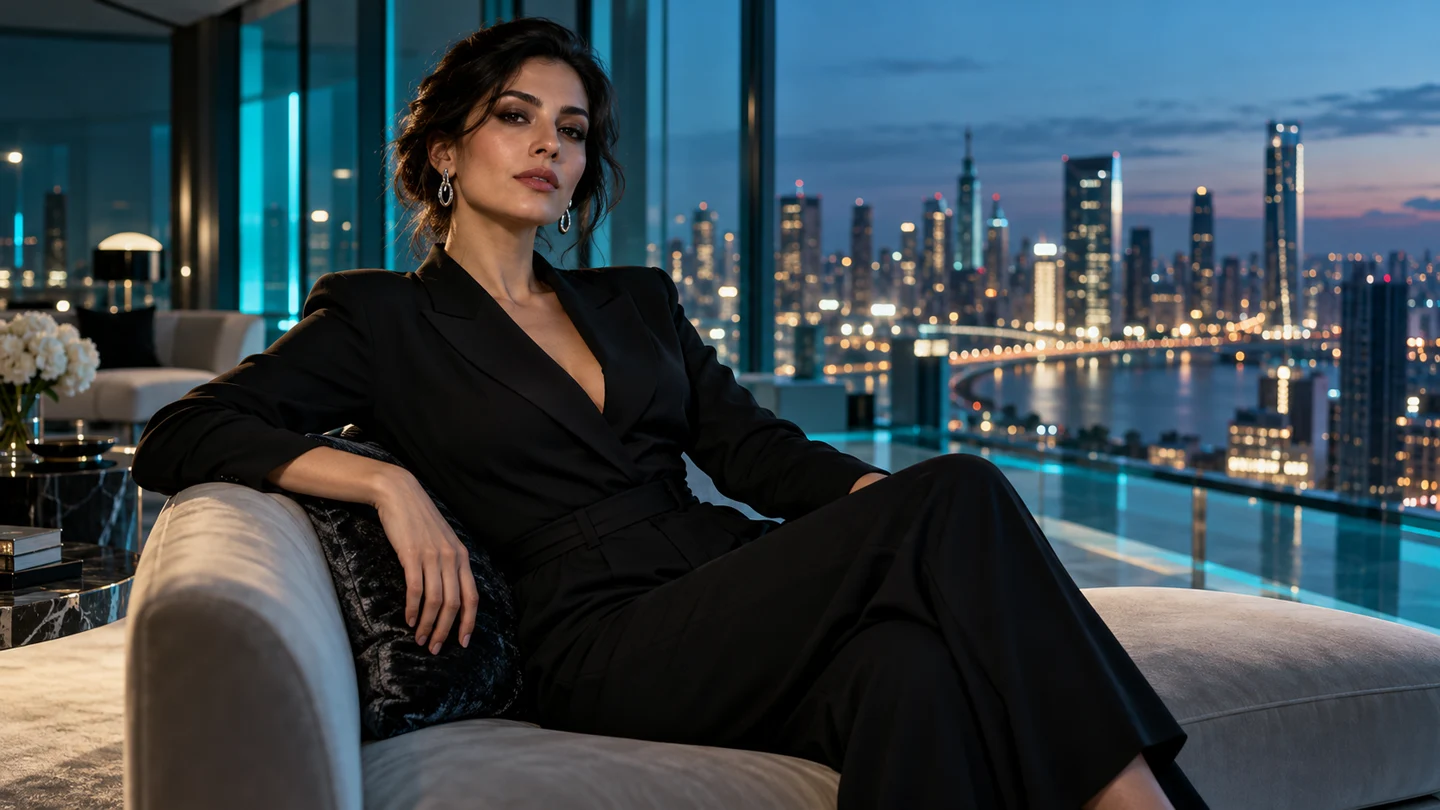 Blue hour portrait5s · 720pReady
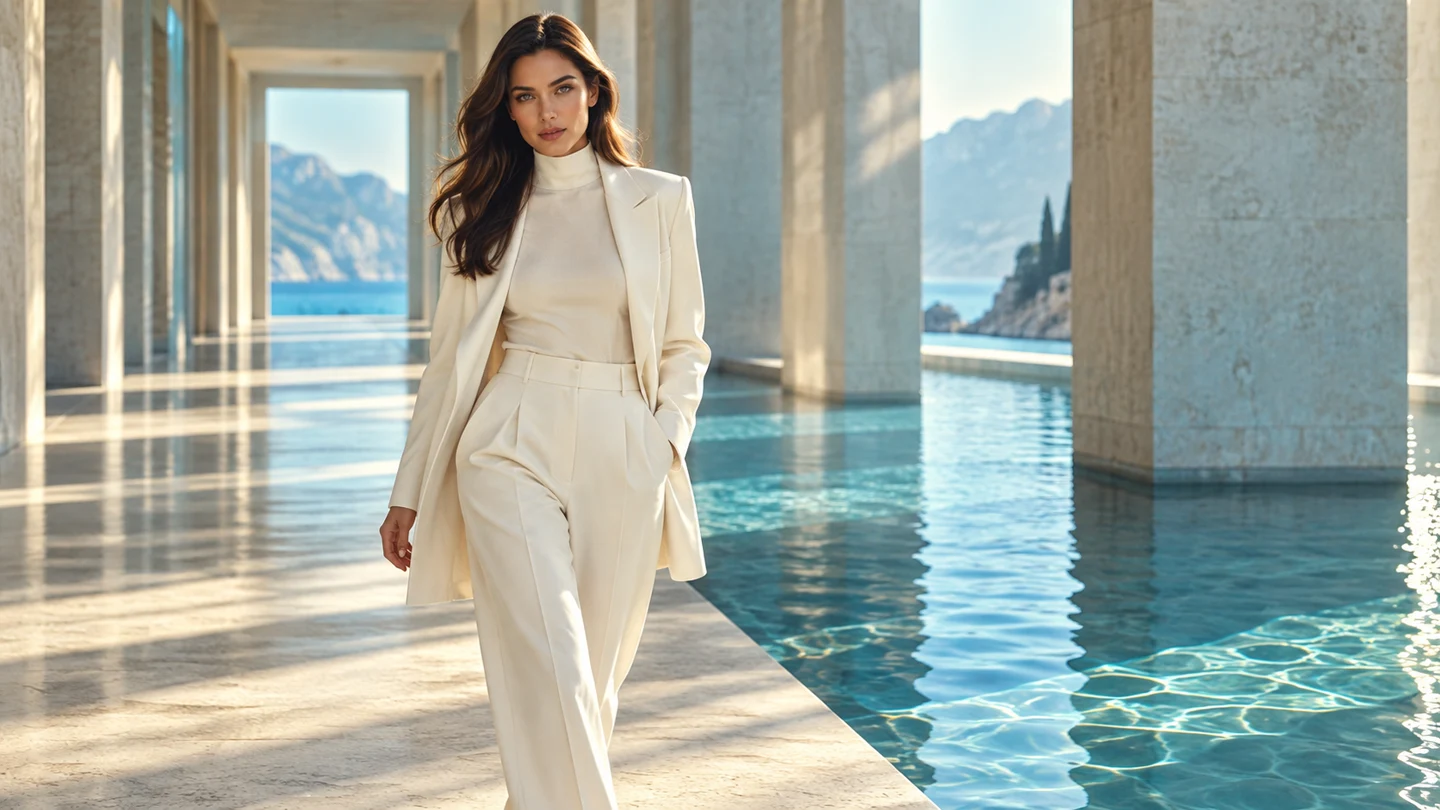 The light study5s · 720pReady
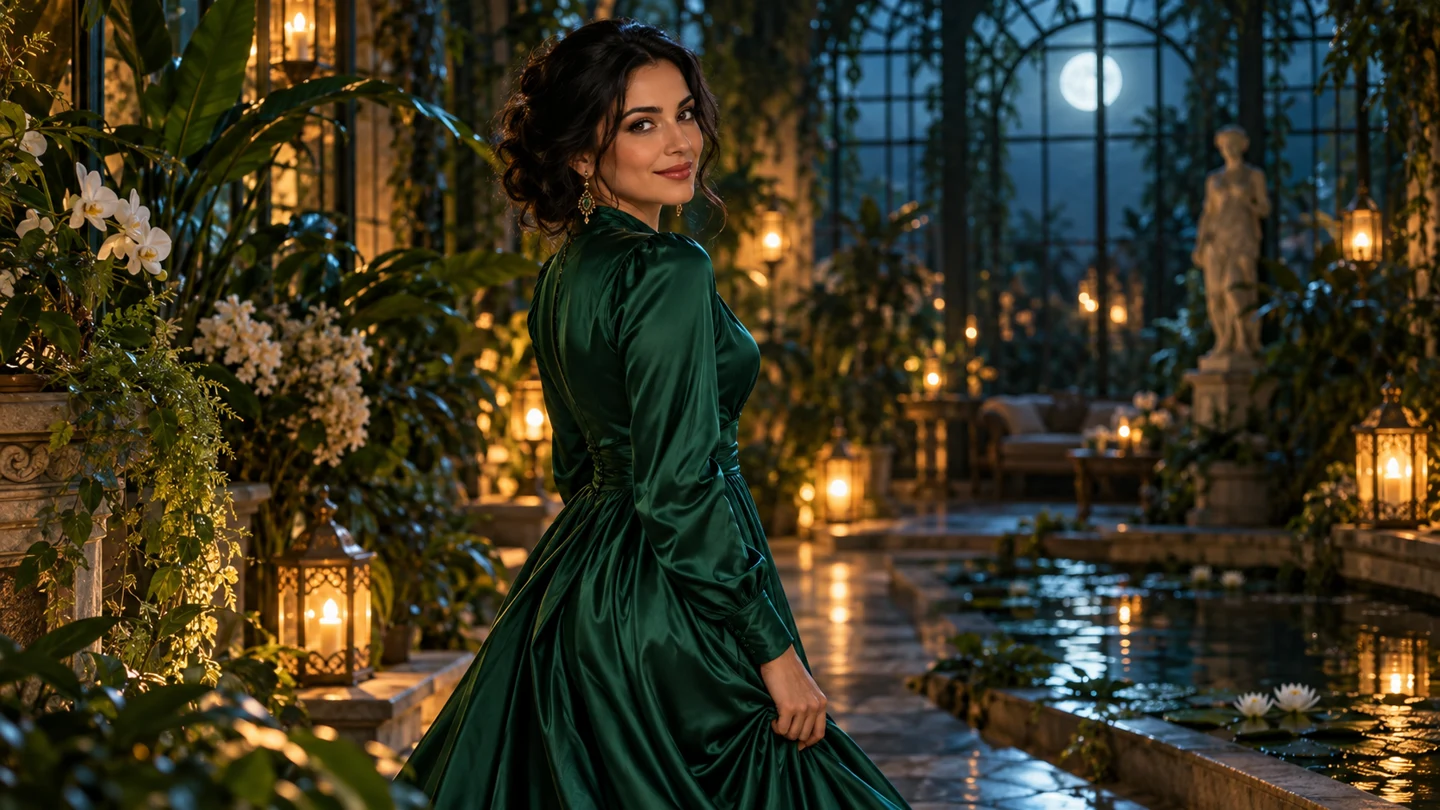 After the city5s · 720pReady
A short clip is powerful on its own. A connected set of scenes gives the idea somewhere to go.
Start with a written scene or a reference image. Describe what moves, how the camera sees it and what feeling the light should create. You do not need to finish the whole series before you begin the first take.
Keep related scenes inside one project. Choose five to ten seconds, set the resolution and line up a batch of variations. A project gives the individual experiments a shared creative context.
Look at each completed take alongside the next. Keep the useful direction, refine the brief and decide where the story goes from here. Your production stays organized as the idea grows.
A portrait, a location and an atmospheric interlude. Explore a connected creative direction through different kinds of short scenes.
An adult model in a black tailored jumpsuit turns toward cyan light in a glass penthouse. Slow push-in. Quiet confidence.
An adult model in an ivory suit walks through an architectural hallway. Soft water reflections, a deliberate lateral camera move.
An adult woman in an emerald gown turns in a moonlit conservatory. Warm practical lights, botanical shadows and a gentle orbit.
Original scene artwork with prepared 5-second 720p motion previews.
Creative work rarely moves in a straight line. One prompt suggests another scene. A camera test changes the mood of an entire sequence. Projects give those experiments a place to stay connected.
Group related character ideas, campaign takes or visual chapters together. When you return to an earlier prompt, you can see where it belongs and decide which detail to change next.
TAKE 001A study in blue.character / portraitTAKE 002Follow the light.campaign / camera trackTAKE 003After the city sleeps.atmosphere / gentle orbitOne project. Different angles on the same idea.
Batch creation is a practical way to explore a direction without losing track of the individual scenes. Give each brief a clear purpose and review the whole set together.
Describe a visible action, then choose a duration and resolution. A clear brief is easier to refine than a long list of competing instructions.
Assign related scenes to a project. Keep portrait studies separate from location tests while preserving the creative thread that connects them.
Compare the completed takes, keep useful settings and identify what the next iteration needs. The goal is a coherent set, not just a longer queue.
Use five seconds for a simple character beat; give a slower reveal more room when the extra time serves the idea.
Explore composition and direction at the baseline first, then plan a higher-resolution take when the creative choices feel settled.
Write from scratch when the look is open. Add a reference when an existing character or composition already has a direction.
This is an estimated target rather than a guarantee. Actual service times can depend on demand and the request.
Develop a recurring fictional adult character through a set of short moments. Separate introductions, location studies and atmosphere shots so each take contributes something distinct to the larger idea.
Explore several visual treatments for a single concept. Compare a daylight portrait, an architectural walk and an evening scene before deciding which mood carries the campaign most clearly.
Turn individual scene ideas into short moving studies. Use the project to connect the beats, test the pacing and see where a sequence needs a different angle or a quieter moment.
The Studio plan includes 800 monthly credits. At 50 credits for a five-second 720p clip, that allowance covers 16 baseline scenes. Use the room to explore new concepts or return to a direction that deserves another take.
A four-scene baseline batch uses 200 credits. Two such batches use 400, leaving half the monthly allowance for the next phase of your project. Longer clips and 1080p are estimated separately before you start.
800 credits to keep your next series moving.
Choose the starting point that fits your next scene. The project keeps the direction together whichever route you take.
Describe a character, a setting and one clear action. Add the camera direction and the mood of the light. Text-to-video is a useful starting point when you are still exploring the look of a world or trying a new concept.
Keep a useful prompt inside a project, then change one detail for the next take: the location, the framing or the pace of the movement. That makes each variation easier to compare.
Bring a reference image when the character or composition already has a direction. Describe the movement you want to explore, rather than asking the brief to reinvent every visual detail at once.
Use a slow turn, a gentle camera move or a change in atmosphere as the focus. An image is a starting reference, while the written direction tells the scene what should happen next.
Understand the modes, the formats and the allowance, then put your attention back into the creative work.
thothub is an AI video creation product built around projects and batches. It brings text-to-video and image-to-video into a workflow for connected creative work: character studies, campaign variations or a series of short scenes. The landing page introduces that workflow, while the creation preview lets you try a small batch brief.
Both modes are part of thothub. Start from words when you want to invent a scene from scratch. Add a reference image when the character or composition already has a visual starting point, then describe the motion you want to explore. In either mode, keep the action focused and the camera direction clear.
Video briefs can be five to ten seconds long, with a maximum resolution of 1080p. Five-second 720p clips are the baseline for the published credit cost. A longer scene can give an action more time to unfold, but the extra duration should serve the idea rather than add unrelated actions.
A batch is a group of scene briefs you want to process and review together. Set the project, describe the scene, choose the format and line up your next takes. The interactive preview supports a small local queue with progress and pause controls, so you can explore how the workflow feels before connecting a generation service.
The monthly plan is $29.90 and provides 800 credits. It covers the product’s text and image creation modes, five-to-ten-second briefs, up to 1080p, project organization and batch creation. A five-second 720p clip uses 50 credits, which gives 16 baseline clips from the monthly allowance.
Start by counting the baseline scenes you want to explore. Four five-second 720p scenes use 200 credits; eight use 400; sixteen use all 800. The creation form estimates a higher cost for longer clips and 1080p. Those non-baseline estimates are planning values that can be adjusted when the actual service is connected.
The generation time target is 100–160 seconds. It is a planning window, not a guaranteed completion time. Demand, output settings and the request itself can affect the actual result. A batch helps you organize several ideas while keeping each scene’s direction visible.
This is an interactive product preview. It stores local project briefs and demonstrates a queue with prepared five-second 720p sample clips. Your prompt and uploaded reference are not sent to an AI model, and the plan summary does not collect payment or create a subscription.
Turn one spark into a project you can keep building.
Start creating with thothubText + image to video · Projects · Batch creation